Why I Use My Calendar as My To-Do List
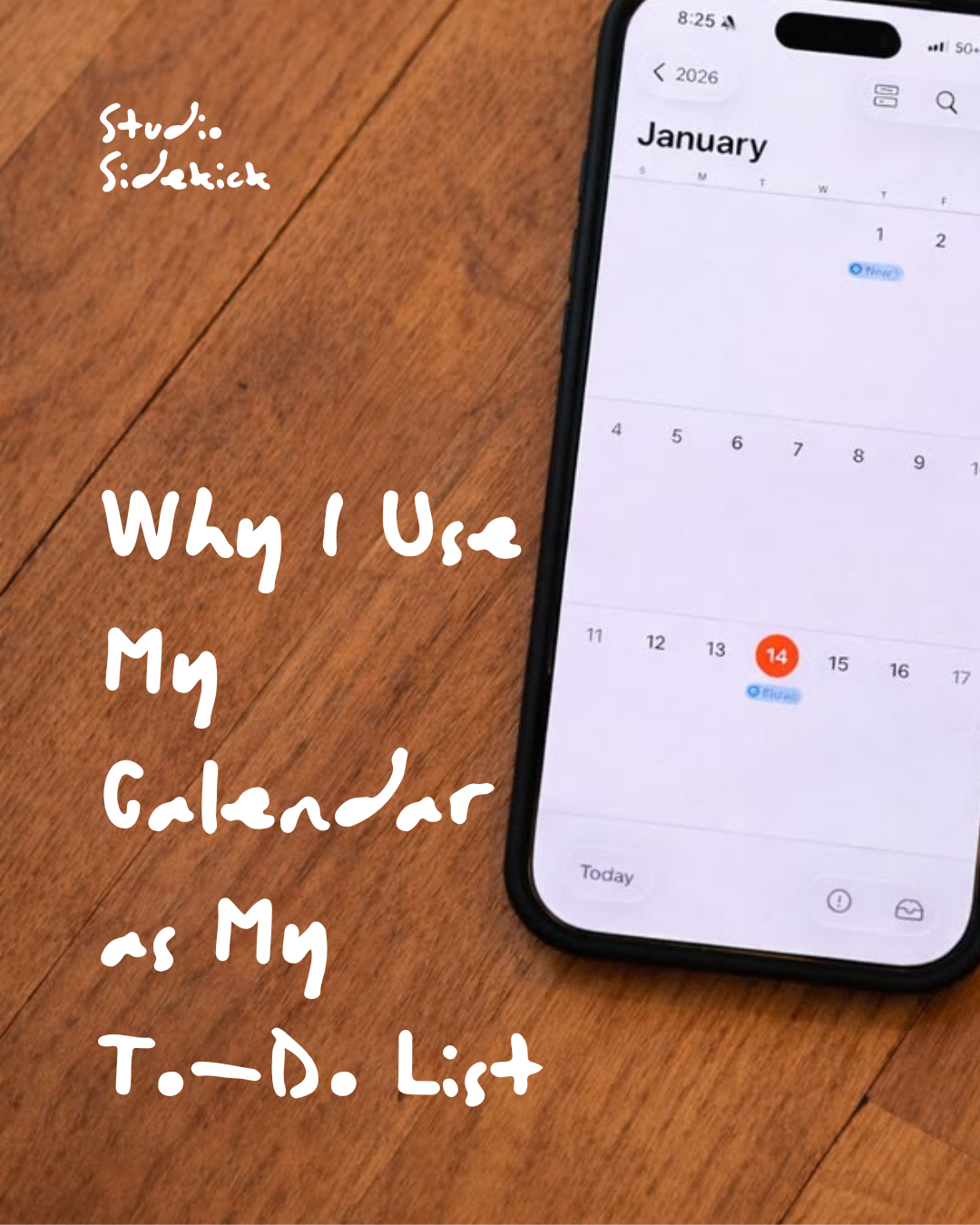
I've tried the to-do lists.
The notebooks.
The apps.
The beautifully organised productivity systems that inevitably become another thing I need to remember to check.
And I've realised that the simplest system works best for me:
My calendar is my to-do list.
Everything goes in there.
Client work. Studio Sidekick. Content. Admin. Meetings. Invoices.
But also my morning walk, appointments and the things happening outside of work.
Because, realistically, they're all competing for the same hours in my day.
And being able to visually see those hours has completely changed the way I plan my week.
A To-Do List Doesn't Tell Me When I'm Going To Do It
This is my biggest issue with traditional to-do lists.
I could write:
Finish client presentation
Write blog
Create Instagram content
Update website
Send invoices
Reply to emails
Go for a walk
Lovely.
But when exactly am I doing all of that?
A list can make it look entirely reasonable.
Put those same tasks into a calendar and suddenly you realise you've planned approximately 14 hours of work for a seven-hour day.
That's why I prefer time blocking.
Every task has somewhere to go.
How I Actually Do It
At the beginning of each day, I look at what needs to happen and stack my tasks directly into my calendar.
I generally split them into two groups:
Morning tasks.
And:
Afternoon tasks.
I'm not scheduling every task down to the exact minute. That would probably drive me mad.
Instead, I'm giving everything a realistic block of time and deciding roughly when it's going to happen.
My morning might look something like:
7:30 — Morning walk
9:00 — Emails + client admin
9:30 — Client presentation
11:30 — Studio Sidekick content
Then after lunch:
13:30 — Client sourcing
15:00 — Website updates
16:00 — Invoices + admin
Suddenly my day isn't just an enormous list of things I'd like to achieve.
I can actually see whether they fit.
And Yes, I Schedule Life In There Too
This is important.
My calendar isn't exclusively a work calendar.
My morning walk goes in there.
Appointments go in there.
Lunch can go in there.
Anything that takes time out of my day needs to be accounted for.
Because there's no point pretending I have eight uninterrupted hours available if I don't.
I actually find this makes my working day feel more manageable rather than more rigid.
I'm not trying to squeeze life around work.
I'm looking at the whole day.
If It Doesn't Get Done, I Move It
This might be my favourite part of the system.
I don't maintain a separate graveyard of unfinished tasks.
If I don't finish something today, I simply drag it into tomorrow.
Usually into the following morning.
Done.
It's still visible.
It hasn't disappeared into the depths of a Notes app.
And I don't have to rewrite an entire to-do list the next morning.
There's also something very useful about repeatedly moving the same task.
If I've dragged something from Monday to Tuesday...
Tuesday to Wednesday...
Wednesday to Thursday...
I have to ask myself:
Do I actually need to do this?
Is it really a priority?
Or does somebody else need to do it?
Your calendar can become surprisingly good at calling you out.
I Like That It's Visual
I think this is probably the biggest reason the system works for me.
I can see my week.
I can see when I've overloaded a day.
I can see where there's breathing room.
I can see when I've scheduled three completely different pieces of deep work back-to-back and should probably rethink things.
And I can see when client work has taken over the entire week and I've left absolutely no time for my own business.
That's much harder to spot when everything exists as a long list.
It Helps Me Protect Time For My Own Business
This is a big one when you run your own studio.
Client work will always shout the loudest.
There's a deadline.
Someone is waiting.
Something needs approving.
Your own marketing, website, content and business development don't have someone emailing you asking whether they're finished yet.
So they get pushed.
By physically putting Studio Sidekick content, website work, blogs or business admin into my calendar, I've given those tasks somewhere to live.
They've become actual work.
Not something I'll get around to if I magically find a spare hour.
I Don't Treat Every Hour The Same
I've also learnt that there's no point scheduling work purely based on when there's an empty space.
Some tasks need more brainpower than others.
If I need to write, design or make decisions, I'd rather do that when I know I'm going to have the concentration for it.
Admin can go somewhere else.
Emails can go somewhere else.
That means I'm not spending my best working hours doing things that could easily have waited until later.
It Also Stops The Constant “What Should I Be Doing?” Feeling
This is one of those tiny things that makes a surprisingly big difference.
When everything is on a general to-do list, you're constantly deciding what to do next.
Finish that?
Back to the list.
What now?
Which one's most important?
Should I answer those emails first?
Maybe I'll quickly do this instead...
It's exhausting.
With my calendar, I've already made the decision.
I finish one block.
I look at what's next.
And I start.
One less decision to make.
I'm Not Pretending It's A Perfect System
There are absolutely days when the calendar goes completely out the window.
I'm an interior designer.
A client calls.
Something changes on site.
A supplier needs an answer.
A meeting overruns.
Life happens.
I'm not interested in creating a productivity system so rigid that one unexpected email makes the whole thing collapse.
That's why I like using my calendar.
I can move things.
Drag something to tomorrow.
Make a block longer.
Push something into the afternoon.
Delete something that actually wasn't important.
It's structured, but completely flexible.
Try It For A Week
If you're currently working from an enormous to-do list and still finishing every day wondering where the time went, try putting the list into your calendar instead.
Not forever.
Just for a week.
Take tomorrow's list and physically give each task some time.
Include your meetings.
Include lunch.
Include the school run.
Include your walk.
Include the things you need to do for your business, not just your clients.
Then look at the day you've created.
Does everything actually fit?
If not, something has to move.
And that's exactly the point.
From One Designer To Another...
I'm definitely not here to tell you this is the way to organise an interior design studio.
It's just the way I've found that works for me.
Running an interior design business means constantly moving between creative work, clients, admin, marketing and everything else happening outside the studio.
Having one visual place where I can see it all makes my brain feel a little less full.
And sometimes, that's what a good system should do.
Not make you more productive for productivity's sake.
Just make running your business feel a little easier.
Still Too Much In The Calendar?
Sometimes time blocking makes you realise something else entirely:
There genuinely aren't enough hours to do everything yourself.
And no productivity system is going to fix that.
That's where Studio Sidekick comes in.
I support interior designers with the non-design side of running a studio - from social media and content to websites, SEO and ongoing studio support.
So if you've time-blocked your week and there's still nowhere to fit "sort the marketing"...
Maybe it doesn't need another time block. Maybe it needs taking off your calendar altogether.